Find a place
Enter a city, a district, a village or a landmark. The search runs on our own place index.
Example footage with shaders · In-game appearance may differ
A starting world from the real world
Your hometown, your way to school or your favourite district: you pick the place, we turn the streets, buildings and terrain from OpenStreetMap into a Minecraft Java world and put it straight onto your server.
Europe is currently covered. The whole area has to lie inside it.
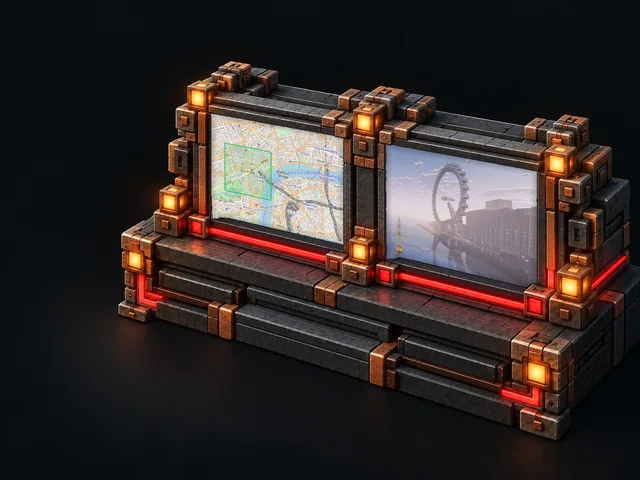
Enter a city, a district, a village or a landmark. The search runs on our own place index.
The map preview shows you the area. You choose between the size tiers 1, 4, 16 and 67 km². Which size fits also depends on the options you pick and on the free storage on your server.
The server handles building, importing and activating on its own. You do not have to upload any files.
1 · 4 · 16 · 67 km²
The city world comes with your Minecraft Java server at no extra cost. You can choose between the size tiers 1, 4, 16 and 67 km². The generated world files may not exceed 5 GB in total. If they would, make the area smaller or reduce the selected options. Each server can run up to 3 generations within 24 hours.
Try Hamburg, Munich or Paris, for example. All that matters is that the whole area lies inside the covered region.
Map data © OpenStreetMap contributors, ODbL 1.0, openstreetmap.org/copyright — generated with Arnis, Apache-2.0
No. It comes with your Minecraft Java server; you only pay for your server plan. You can choose between the size tiers 1, 4, 16 and 67 km². The generated world files are limited to 5 GB in total, so your server needs enough free storage for them.
Anything that has a name in our OpenStreetMap index: cities, districts, villages and many other places. Bedrock worlds and areas outside the covered map region are not supported yet.
The build time depends on the area, the map data, the selected options and the current load. Large city worlds can take considerably longer. The finished world is moved onto your server automatically, as long as there is enough free storage on it.
When you order a new server, the city world takes the place of the default world. On an existing server you decide yourself whether the new world becomes active right after the import.
Choose your place in the Minecraft Java configurator under “Starting world: real city”.
Build a server with a city world